 Smart Farm Records
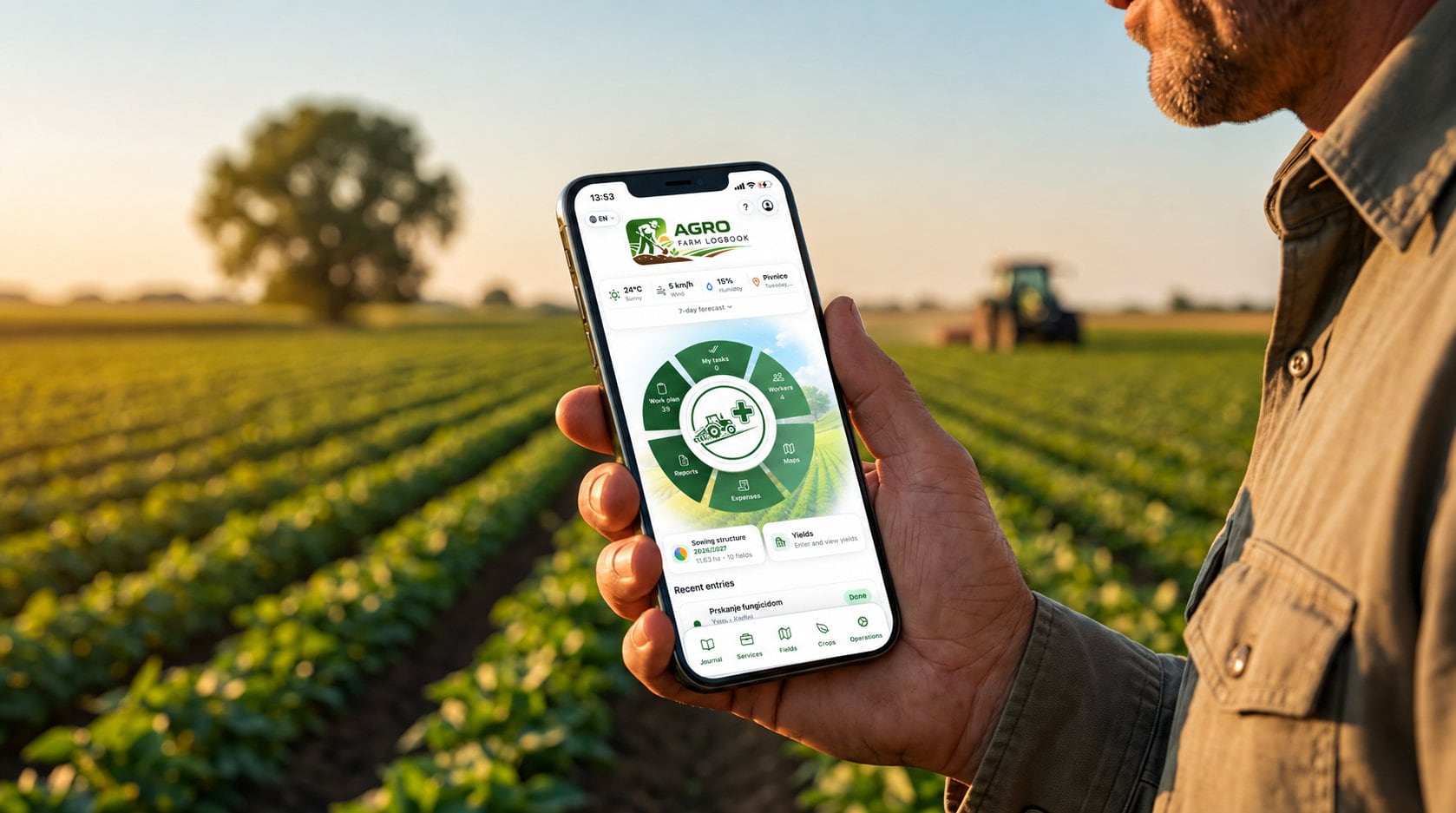
Farm management app: your field record book on your phone
Stop relying on memory — log your work in seconds.
Field work, spraying and fertilising records, team tasks, yields, finances and PDF reports — all in one place.
Android, iPhone and web • Built for teams • 6 languages

Download the iOS app
Scan with your iPhone camera to install


An electronic field record book instead of a notebook
AgroRK is an electronic field record book and work log for your farm. You record everything done in the field on your phone, right there and then: sowing, spraying, fertilising, harvest and workers. When you need a report, you have it as a PDF in a few seconds.
- Never lose track of completed work
- Access your records anytime, anywhere
- See what was done, field by field and season by season

1,518
registered users
Farmers across the region are already with us
The map shows users who entered their town. The circles mark areas, with no names or exact locations.

How It Works
Take a tour of the app's home screen, then get going in three steps.
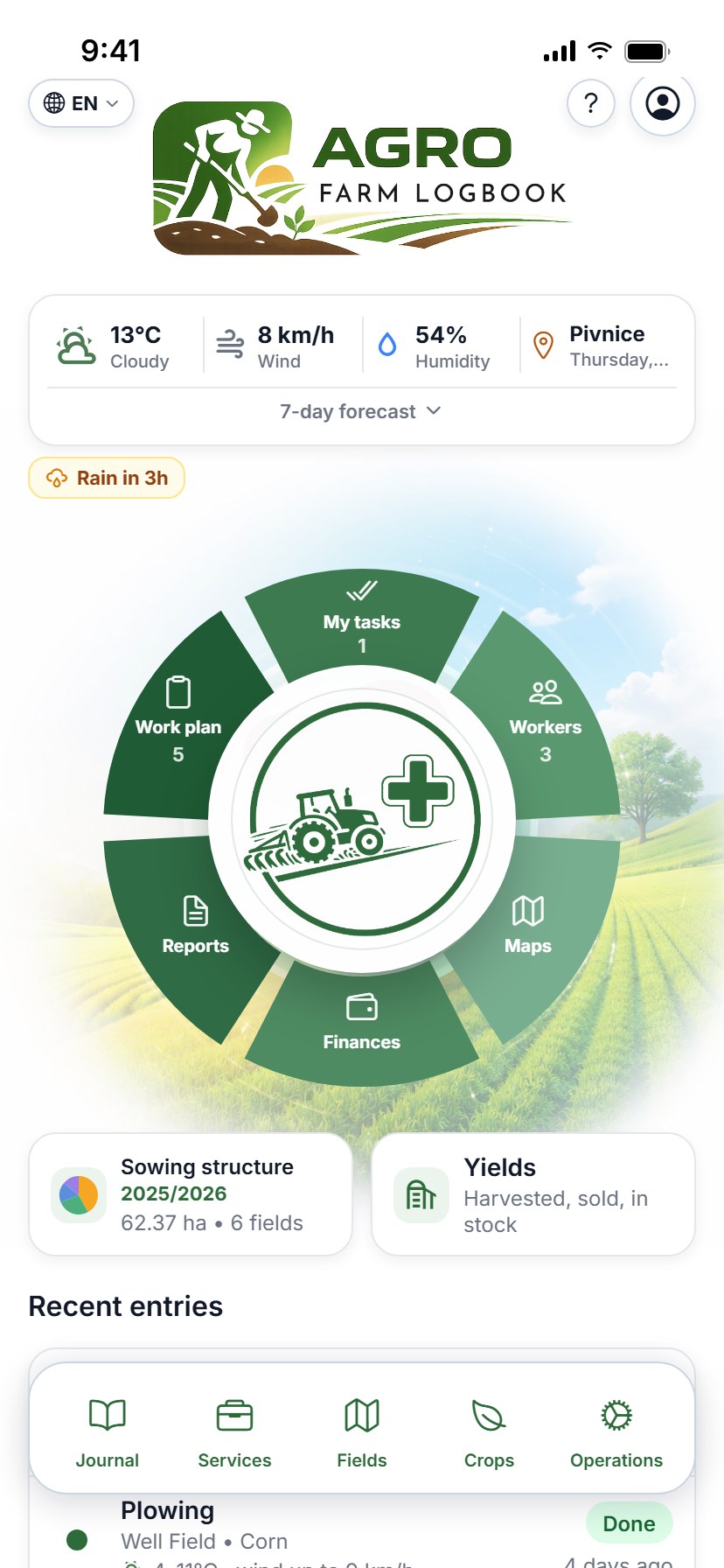
Quick tour
Click any button on the screen, or take the whole tour — the same one as in the app.
Add your fields and team
Enter your fields or import them from your navigation on the web, then add crops and workers — in a few minutes.
Log work in seconds
Tap the tractor button: pick the field, operation and crop, and save. The temperature and wind at that moment are recorded for you.
See it all, share it
Journal, sowing structure and yields by season — and PDF reports you send by Viber, WhatsApp or email.
On your computer too — www.agrork.com
Same account, same data: what a worker logs in the field, you see in the office right away.

- All work in one big table — search and filter by field, crop, operation and worker
- Import fields from your navigation (shapefile, KML, KMZ) or draw their outlines on the map
- Work plans — forward an unfinished task to another worker for today
- Yields and storage, finances, service prices and PDF reports on a big screen
- For the owner and admins — workers use the phone app

Workers see only their own tasks
- They open the phone and see what's on for today.
- They tick off a field when it's done, and you see how far the work has got.
- No finances or prices, just the job.
Everything Your Farm Needs
One app. Every record. Zero paper.
Work Journal
Every job with its field, operation and crop — even the temperature and wind at the time.
Spray Records & Pre-Harvest Intervals
Everything the EU asks for (2023/564): product and registration number, dose, crop EPPO code, BBCH stage, time of work and pre-harvest interval with a reminder. For fields, stores, greenhouses and seed.
Fertilising Records
Mineral and organic fertilisers with N-P-K and dose per ha. Nitrogen totals per field and a warning above 170 kg N/ha from manure.
Work Plans & Tasks for Workers
Hand out work to your team field by field and see what is done. Forward an unfinished task to another worker.
Sowing & Yield Records
Crops and varieties by season, and yield per hectare after harvest.
Storage
How much was harvested, sold and is still in stock — per crop and harvest.
Services
Jobs for others with prices per client and earnings.
Finances
Expenses with a photo of the receipt, sales, subsidies and the balance for the year. Only the owner and admins see them.
PDF Reports
For a client, a worker, a field or the whole farm, plus the spraying and fertilising records — also as CSV or JSON.
Bank Statement
Production, income and stock for a loan application, with a QR code the bank uses to check the figures.
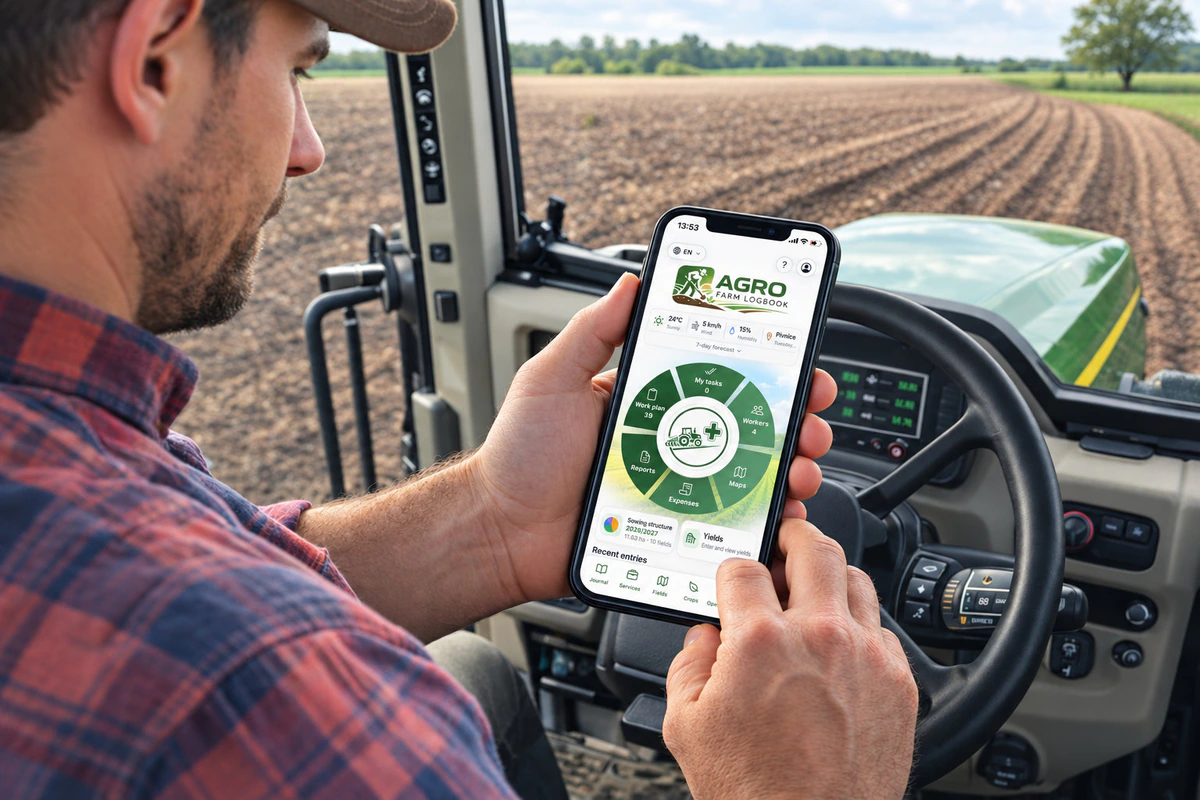
Built for Every Farm
Small or large, AgroRK adapts to how you work.
Family Farms
Stay organized without the complexity — simple, fast, and always in your pocket.
Large Operations
Multiple fields, multiple workers, multiple tasks — all in one place, no chaos.
Service Providers
Jobs for others with prices per client, earnings and a PDF statement to bill.
Common questions
Can AgroRK replace a paper field book?
Yes. Everything you used to write in a notebook (jobs, products, sowing, yields) you enter in the app, and you get the field book report as a PDF whenever you need it.
Who can see my data?
Only the people on your farm. Workers see the fields and log their work; finances (expenses and income) and service prices are seen only by the owner and admins. We don't sell or share your data with anyone, and a PDF report opens through a link that works for just 15 minutes.
How do I add workers?
In the app, under Workers, add a worker with a username and password, and they sign in on their own phone. Workers use the phone app; the web version is for the owner and admins.
Can I import fields from my navigation?
Yes. On the web, on the Maps page, upload the file from your navigation (a zipped shapefile, KML, KMZ or GeoJSON) and the fields appear on the map with their area. Nothing to draw by hand.
Which devices and languages does it work on?
Android phones and iPhones, and the owner and admins can also work on a computer at www.agrork.com. The app is in Serbian, Croatian, Hungarian, Polish, Romanian and English.
How does the pre-harvest interval work?
When you log a spraying, you enter the pre-harvest interval in days. The app works out the first day harvest is allowed, and that morning the person who logged the spraying and the farm's admins get a notification.
Does the spraying record hold everything the EU asks for?
Yes, when you choose “EU standard” for the spraying. It then records every item in the Annex of Regulation (EU) 2023/564: product and registration number, dose, date and time, treated area, parcel, crop with its EPPO code and BBCH stage, also for stores, greenhouses and seed. If something is missing, you see what. Anyone who doesn't want to enter all that stays on “Standard” with the basics. You can download the record as PDF, CSV or JSON.
How does the fertilising record work?
You enter the fertiliser with its N, P and K content and the dose per hectare — mineral from the list or your own, or manure. The app adds up nitrogen per field and year and warns when manure goes over 170 kg N/ha (nitrates rules). You can download the record as PDF, CSV or JSON.
What is the bank statement?
A PDF for a loan application: sowing structure and yields, income and expenses by year, cash flow and stock from the last two harvests. A QR code on it opens a page where the bank checks that the figures were not changed.
Can I give a report to a client?
Yes. In a few clicks you make a PDF: services for a client with prices and the amount to charge, one worker's work, the whole farm, the spraying record or a field diary. Send it by Viber, WhatsApp or email, or print it.
What if I change or lose my phone?
Nothing is lost. Your data is kept on the server, not only on the phone — sign in on the new phone and it's all there.
How do I delete my account?
Send a deletion request as described on the Delete account page; after we confirm it, we delete the account and its data.
Delete account →
Got a question? Message us directly
Kristijan Hrček
Write on Viber or WhatsApp — we'll help you get started.
+381 69 433 8828Prefer email? Support
Go paperless today. Stay on top of every task.
Fast to log, easy to review, always in your pocket.